
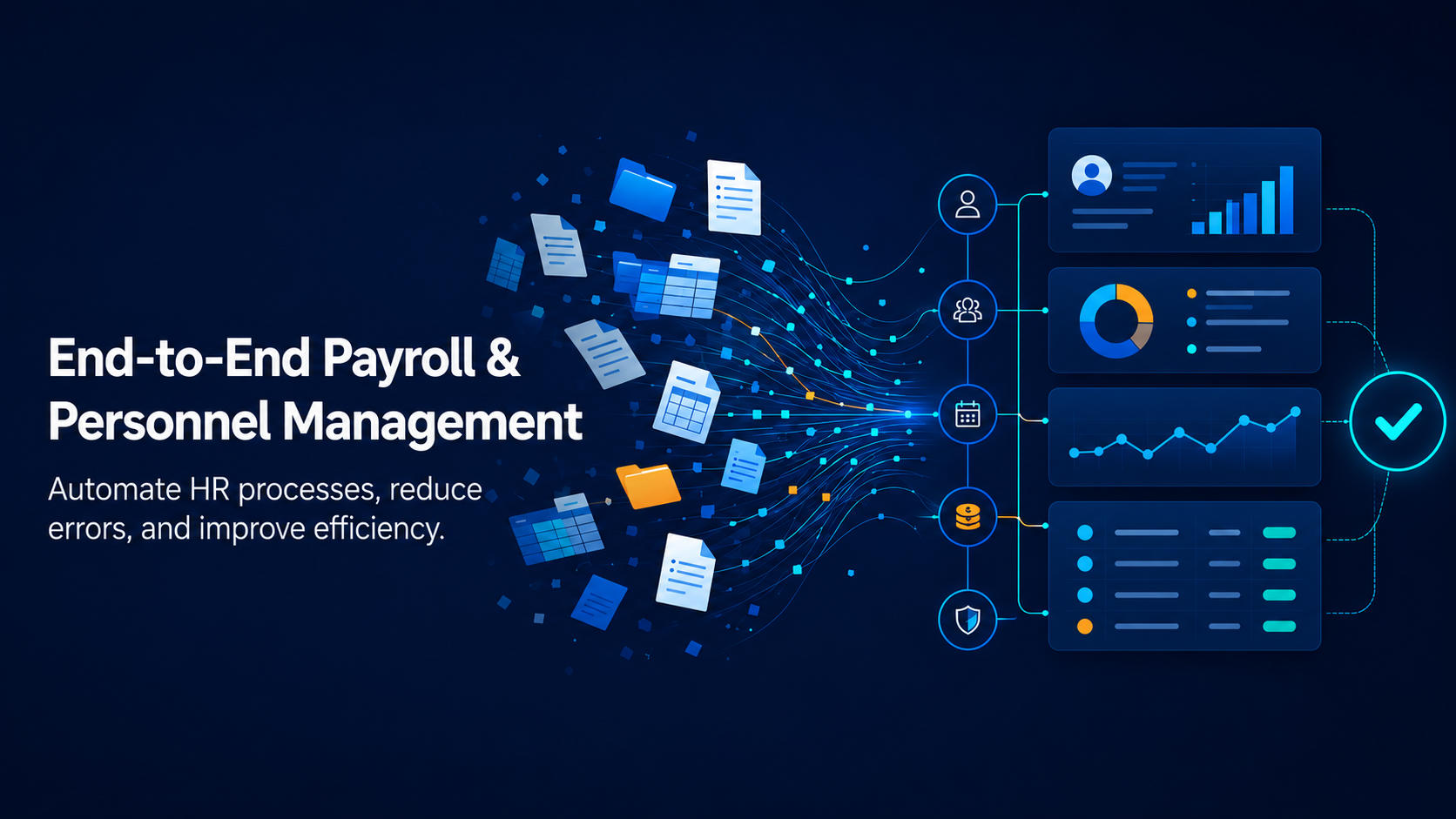
The system processes incoming time and attendance data, approves leave requests, adds overtime, updates benefits, applies salary changes, tracks statutory parameters, and completes the statutory payroll calculations. Based on these results, it generates an accounting entry in line with the Turkish Tax Procedure Law (VUK) and transfers it to the ERP. A single item entered incompletely or incorrectly can affect not only the payroll calculation, but also the tax return, the bank payment, the accounting entry, and reporting.
At our webinar on June 10, “An End to Manual Work and Error Risk in Payroll: End to End Payroll and Personnel Management with Pargesoft,” we addressed exactly this challenge. Our F&O Consulting Group Manager, Derya Salter, demonstrated in a live demo environment, using the Pargesoft Payroll Solution running on Microsoft Dynamics 365 Business Central, that a modern payroll solution should not be merely a calculation tool, but a structure that brings the entire process under control, from data entry to time and attendance, from authorization to accounting integration.
In this article, we summarize the highlights of the webinar.
Bringing Excel Under Control, Not Eliminating It
Payroll teams do not have to abandon Excel entirely. What matters is transforming Excel from uncontrolled file traffic into a verifiable data entry channel that stays connected to the system.
A live example of this was shown during the webinar. When the employee list is opened with the “Edit in Excel” option, the file maintains its connection to the system. A change made in Excel is validated by the system the moment it is published and is written to the relevant employee record. For bulk operations, configuration packages are used: in a salary update covering hundreds of employees, only the required fields are exported from the employee record to Excel, the system validates every record as the updated file is imported, and if there is an error, it does not complete the operation. In this way, bulk salary revisions can be managed in a controlled manner without opening records one by one.
Managing Time and Attendance, Leave, Overtime, and Additional Payments in a Single Flow
One of the areas where errors most frequently occur in payroll is time and attendance data. When leave, overtime, missing days, special deductions, bonuses, and benefits arrive from different files, the control burden increases.
With the Pargesoft Payroll Solution, the time and attendance records of all employees at a workplace can be prepared with a single template and transferred to the system. Leave approved through the cloud HR portal is automatically reflected in the records, and data from Time and Attendance (T&A) systems can be connected to the same flow. Imported time and attendance data can be revised within the system and, if necessary, exported again, re-imported, and recalculated. A standout example during the webinar demonstrated this flexibility: when a meal allowance was added after the initial calculation, the system recalculated the entire payroll within seconds.
Once the time and attendance records are finalized, they can be locked, and who changed which data and when can be tracked through the system. As a result, the payroll specialist focuses on managing exceptions and controls within the system, rather than collecting all the data anew every month.
Configuring Statutory Parameters and Company-Specific Rules
Although payroll calculation logic appears fixed, the parameters that affect the calculation change constantly. The minimum wage, Social Security Institution (SGK) floor and ceiling amounts, tax brackets, unemployment insurance rates, notice periods, overtime rates, and workplace-specific practices can all differ from one company to another.
In the Pargesoft Payroll Solution, these parameters are made available in the system on a periodic basis and can be configured directly. For example, when the unemployment insurance rate changes, no software update is required; updating the rate in the relevant field is sufficient. For more extensive legislative changes, because the product runs on Azure infrastructure, updates can be obtained simply by performing a version update from the management panel. There is no need for a developer or consultant to intervene in the system separately.
Letting Automation and AI Handle the Repetitive Tasks of Payroll
One of the most popular sections of the webinar was the integration of Power Automate and AI supported flows into payroll processes.
A note written to a Teams channel or by email containing new hire information can automatically create an employee record in the system according to defined rules. When payroll is calculated, when the bank payment file is created, or when the accounting entry is posted, the relevant people are notified automatically. This eliminates the back and forth between payroll and accounting teams asking, “Has the entry been posted?” or “Has the payroll register been sent?” When a withholding tax return is generated, the flow uses the user credentials stored in encrypted form on the company profile to automatically upload the file to the Revenue Administration (GİB) portal, retrieve the responses, and save the approved return back to the system.
In the analogy Derya Salter used during the webinar, setting up these flows is similar to teaching a child. As rules and conditions are defined specifically for the company, the system gradually runs more and more on its own, from notification scenarios to incentive conditions.
Incentives, Tax Returns, and External System Integrations Should Be Considered as an Ecosystem
Statutory incentives are a critical area in payroll processes. In the system, incentives are defined on the basis of the relevant law number; for example, the employment incentive under Law No. 6111 or the R&D incentive under Law No. 5746 is reflected in the payroll calculation by activating the relevant definition on the employee record. When a new incentive is published, the necessary developments are added to the product together with the official communiqué. What matters here is that the defined incentives are reflected accurately in the payroll calculation and that, when needed, integration can be established with specialized third parties such as incentive analysis firms. Analyzing which employee can benefit from which incentive is the area of expertise of these firms; data such as hire date and headcount can be transmitted to the analysis firm through defined flows, and the returned results can be incorporated into the payroll process.
Likewise, withholding tax returns, e-declarations, SGK employment entry and exit notifications, bank payment files, and pay slips are operational steps that follow payroll. Tax returns can be generated from the system in a format compatible with the tax authority’s declaration software (BDP), employment entry and exit procedures can be carried out through e-Government integration, and bank files are created automatically in the format required by the bank in use. Pay slips can be sent to all employees as password protected PDFs, and financial seal and timestamp integrations can also be set up on a project basis. Managing these steps in a controlled manner through the system, rather than relying on manual file traffic, significantly reduces the risk of error.
Eliminating the Bridging Files Between Payroll and Accounting
Once payroll is complete, a new process begins on the finance side. Accruals must be transferred to the correct accounts, distributed across cost centers, and costs must be traceable by department, project, or location.
In the Pargesoft Payroll Solution, thanks to the dimensions defined on the employee record and the cost center distribution keys, an employee’s cost can be allocated automatically, for example 70 percent to one project and 30 percent to another department. Each income and deduction item is matched with its counterpart in the chart of accounts; if there is an unmatched item, the system issues a warning without creating the accounting entry. Controls such as preventing the cancellation of a payroll for which an accounting entry has already been created also maintain process discipline through the system itself.
The resulting entries can be transferred not only to Business Central, but also to different ERPs such as SAP, Oracle, and Dynamics 365 Finance & Operations. Indeed, in the question and answer section of the webinar, the answer given to a participant’s question about SAP integration was clear: employee master data can be drawn from SAP, payroll can be calculated in this system, and the resulting accounting entry can be sent back to SAP. The integration works in both directions.
Designing Data Privacy and Authorization from the Outset
Payroll is one of the most sensitive processes in a company in terms of data privacy. In the structure shown during the webinar, who can access which screen, which menu, and which company is defined from the outset on a role basis. In companies that outsource their payroll, the HR team and the payroll provider can work on the same platform with mutually agreed permissions. Because data is not moved around through Excel files over email, compliance and data protection (KVKK/GDPR) risks and the audit burden are significantly reduced.
The Ultimate Value Is Control, Not Just Speed
The value of payroll automation does not lie solely in performing faster calculations. The real value is knowing where the data comes from, tracking who made which change, managing permissions correctly, catching errors before payroll is closed, and making the process auditable from end to end.
For this reason, modern payroll management is less a software choice than a change in operational approach. Instead of files that have to be reassembled every month, you need a system that manages changing data in a controlled way.
You can find detailed information about Pargesoft’s Payroll and Outsourcing Management solution here: https://pargesoft.com/en/payroll-and-outsourcing-management/
Full recording of the webinar
We covered these topics through real scenarios and on a live system in the webinar presented by our F&O Consulting Group Manager, Derya Salter. If you missed the session or would like to watch it again, you can find the full recording below.
Manage your payroll and personnel processes automatically, in compliance with regulations, and without errors. If you would like to see a demo built around your own scenarios or explore a wider rollout across your organization, please get in touch with us: https://pargesoft.com/en/contact/