
Transform Your Data & Know-How into Intelligent Assistants that Power Your Team
with Microsoft 365 Copilot
Microsoft 365 Copilot brings generative AI into your everyday workflows by combining Microsoft 365 with your ERP and CRM context. At Pargesoft, we do more than enable Copilot — we integrate it into your business processes so it drives measurable outcomes.
AI Solutions Partner • Your data is not used to train the model • ERP & CRM integration expertise
What is Microsoft 365 Copilot?
Microsoft 365 Copilot is a generative AI layer that connects large language models with Microsoft Graph and your enterprise systems to produce context-aware recommendations and outputs. It accelerates daily work — from email, document, and meeting summaries to customer context inside your CRM.
In the Pargesoft approach, Copilot is not just a Q&A tool. With the right data context and integrations, it becomes a decision-support mechanism that guides users toward the next best action.
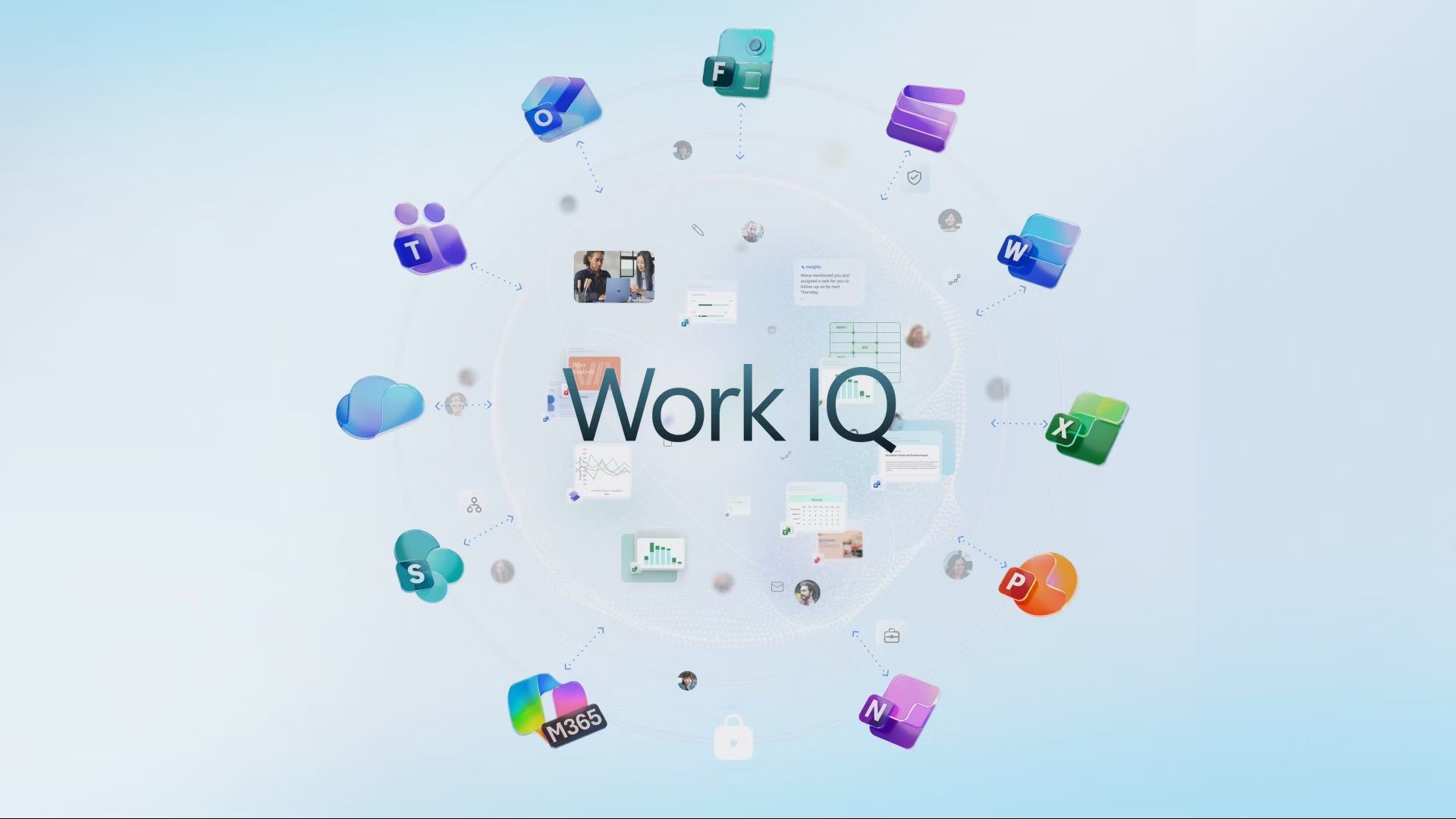
One important component that improves the experience is Work IQ: it helps Copilot turn work signals (email, files, meetings, chats — within enterprise permissions) into usable context. The result is more relevant, more accurate, and more actionable outputs.
Why it matters in the enterprise
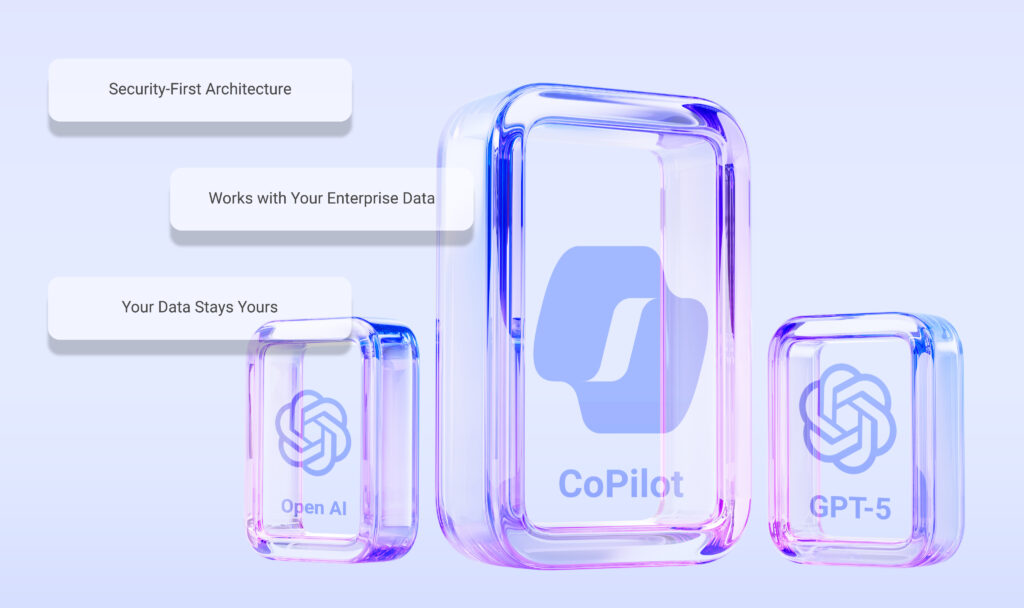
Copilot’s real value comes from combining security, context, and governance.
Data security
Your enterprise data is not used to train the model; it stays within your organizational boundaries.
Context-aware AI
When Microsoft 365 + ERP + CRM context comes together, answers become tailored to your business reality — not generic.
Permissions & control
Copilot can only access what the user is allowed to access. Nothing more.
The technology is strong — but the design matters more
Getting maximum value from Copilot requires the right data access model, the right use cases, and measurable goals. We build this foundation together with security, compliance, and process design.
As a Microsoft AI Solutions Partner, Pargesoft helps organizations set Copilot up securely by starting with identity, permissions, and data classification. We make sure Copilot can access the right sources — and only within the right scope — across Microsoft 365, ERP, and CRM contexts. For sensitive information, we reinforce the setup with DLP policies, labeling, and audit logs so adoption does not compromise governance.
Good architecture is also about speed and efficiency: achieving maximum benefit with fewer tokens and lower latency. We reduce unnecessary context, use role-based prompt templates where it makes sense, summarize long threads, and prevent repeated cost with caching patterns. Finally, we connect Copilot to your workflows (approvals, notifications, tasks, reporting) to turn outputs into fast, measurable business results.
Use cases
Here are some scenarios that typically deliver the most value. You can switch between tabs.
Leadership & decision-making
Summarize executive reports, extract trends, turn meeting notes into action items, and draft presentations. Decision cycles become faster and teams align around the same facts.
Sales & CRM
Summarize account history and interactions, draft follow-up emails after meetings, speed up proposal creation, and help you prioritize opportunities with the right context.
Operations & ERP
Quickly summarize orders, inventory, procurement, and process data; surface exceptions and enable teams to reach the right actions earlier. With the right integrations, it becomes a decision-support layer that accelerates workflows.
Finance
Summarize period comparisons and variances, generate concise management commentary, and speed up document and email flows. Finance teams produce more consistent outputs with less manual work.
Why Pargesoft?
Enabling Copilot is not enough. Real value comes from selecting the right scenarios, integrating with enterprise systems, and supporting adoption through change management. Pargesoft combines Microsoft ecosystem expertise with ERP/CRM integration experience to tailor Copilot for your organization.
Microsoft ecosystem expertise
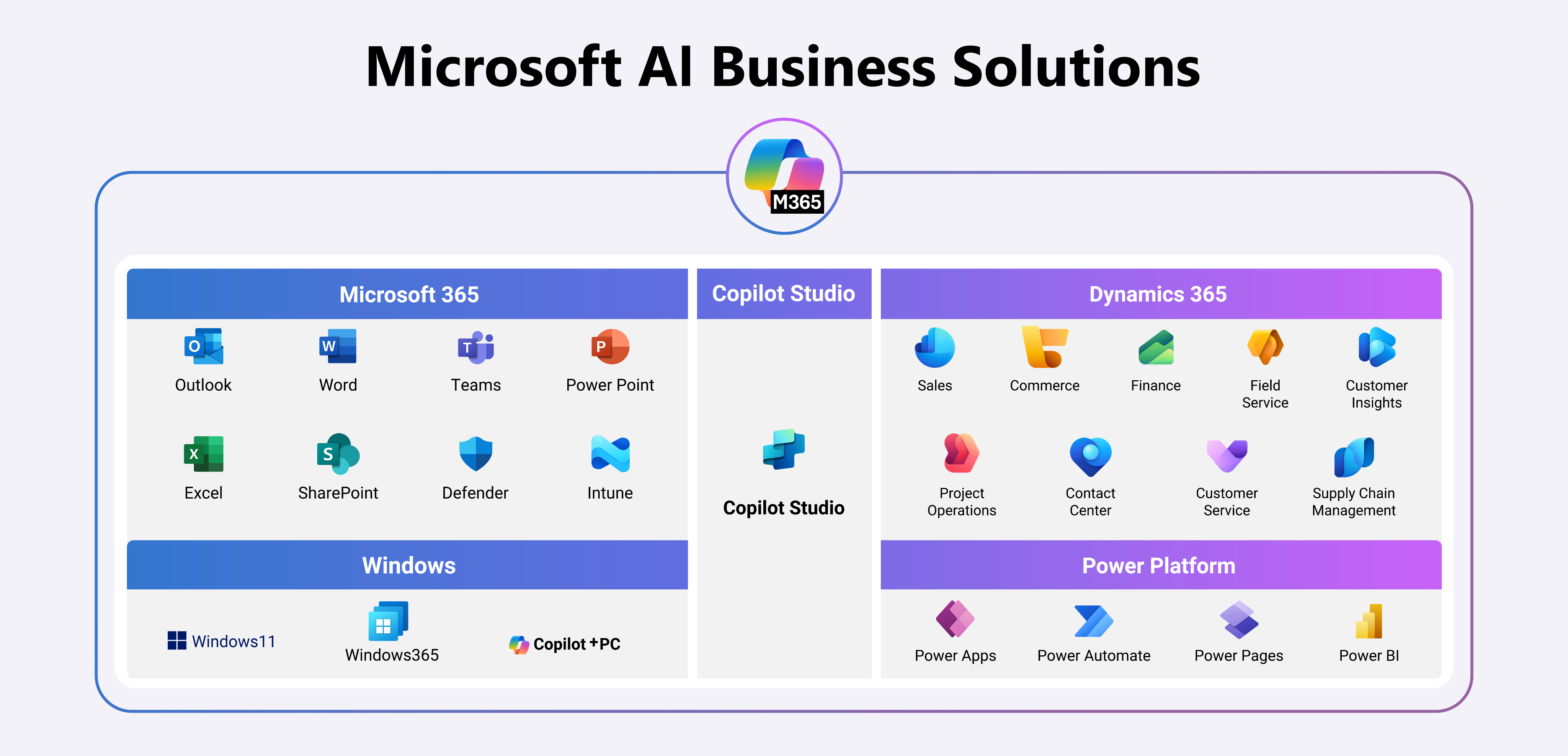
End-to-end delivery across Dynamics 365, Power Platform, Microsoft 365, and Copilot.
ERP & CRM integration
Architectures that integrate with SAP, Oracle, and diverse ERP/CRM landscapes.
Enterprise AI approach
A flexible architecture that can extend Copilot with custom AI agents when needed.
Copilot + custom AI agents for your organization
In some scenarios, Copilot alone is enough. In others, you need organization-specific business rules, automated actions, and cross-system orchestration. That is where we position Copilot alongside AI agents built by Pargesoft.
This way, AI does not only generate content — it performs tasks across systems, follows business rules, and accelerates end-to-end processes.
Let’s position Copilot for your organization — fast
Based on your Microsoft environment, data sources, and goals, we’ll clarify the best Copilot use cases for you.